
Offline-first
Keep supported PDF workflows on your device.
 REC PDF PRO — Offline PDF Toolkit for Windows
Your PDF Toolkit.
Right on Your Desktop.
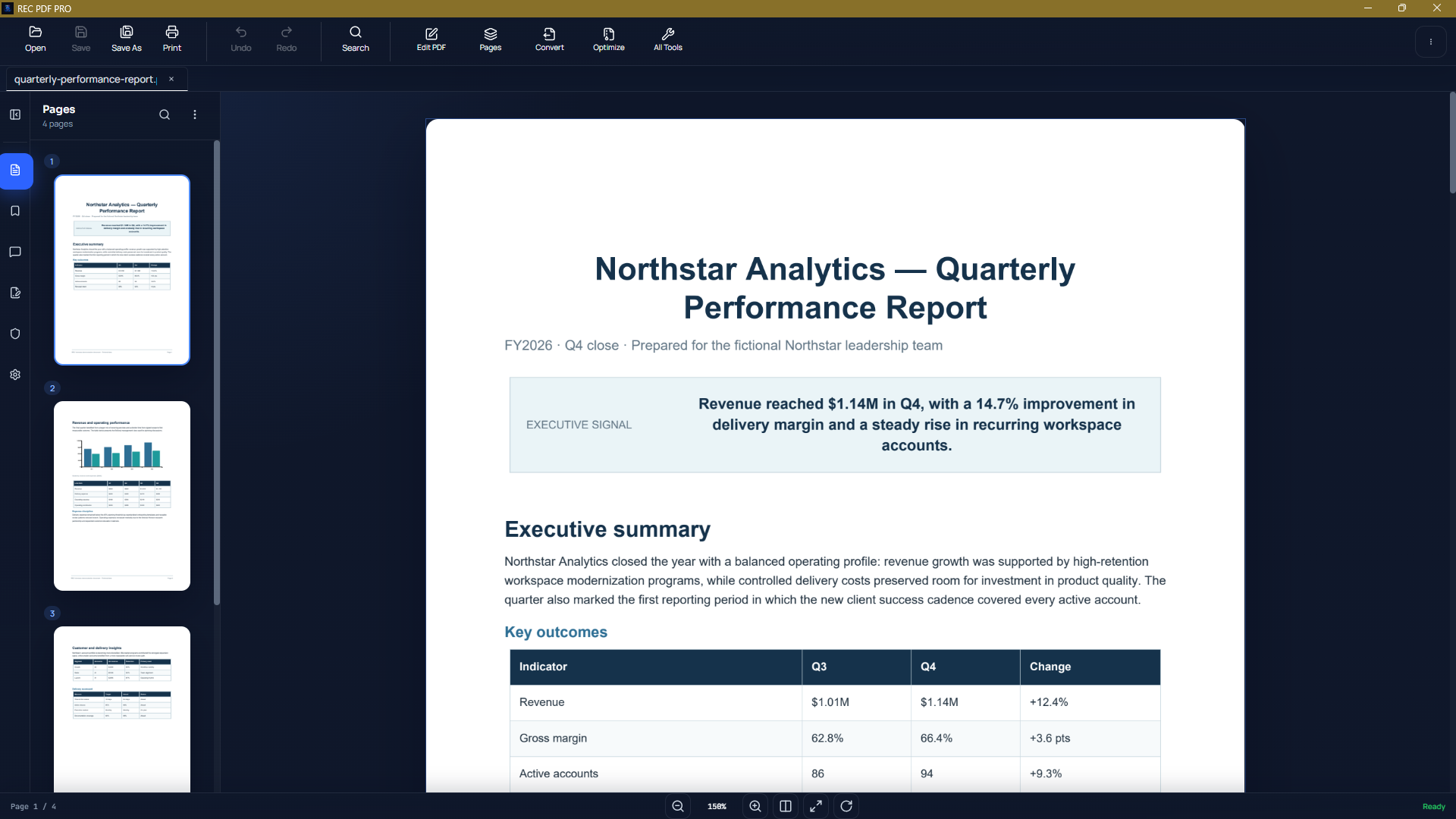
Edit, organize, convert, fill, sign, protect, search, and print PDFs with a focused desktop toolkit designed to keep document workflows straightforward.
Built for Windows. Designed for local document workflows.
US$9.99 one-time purchase
Free trial available · No subscription. Microsoft Store pricing may vary by region.

Keep supported PDF workflows on your device.
Straightforward desktop software without recurring subscription pressure.
Common PDF tasks brought together in one desktop application.
Designed as a native-feeling Windows desktop workflow.
Core tools
Focused tools for common document tasks, organized around the way PDF work gets done.
Edit & fill
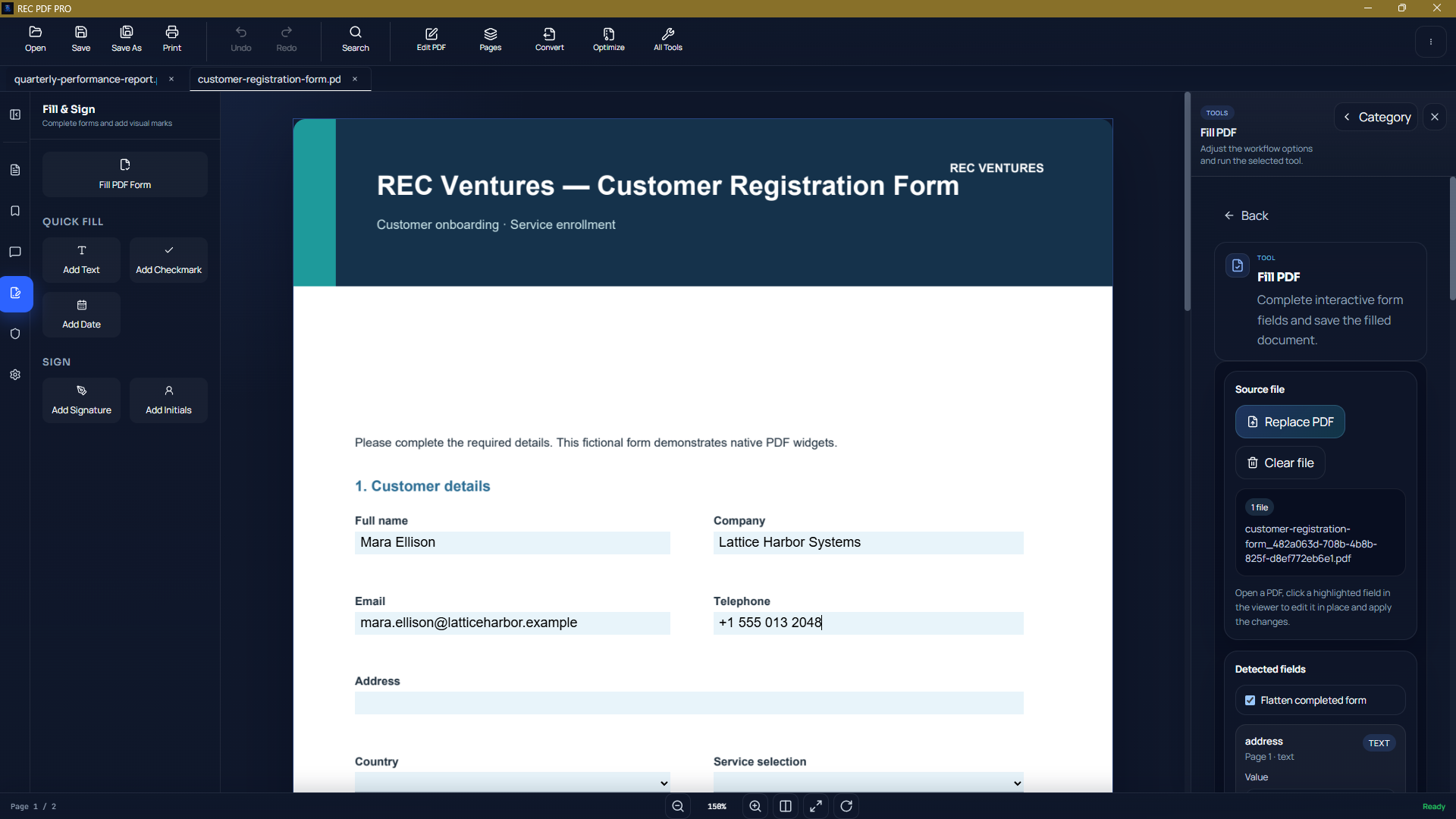
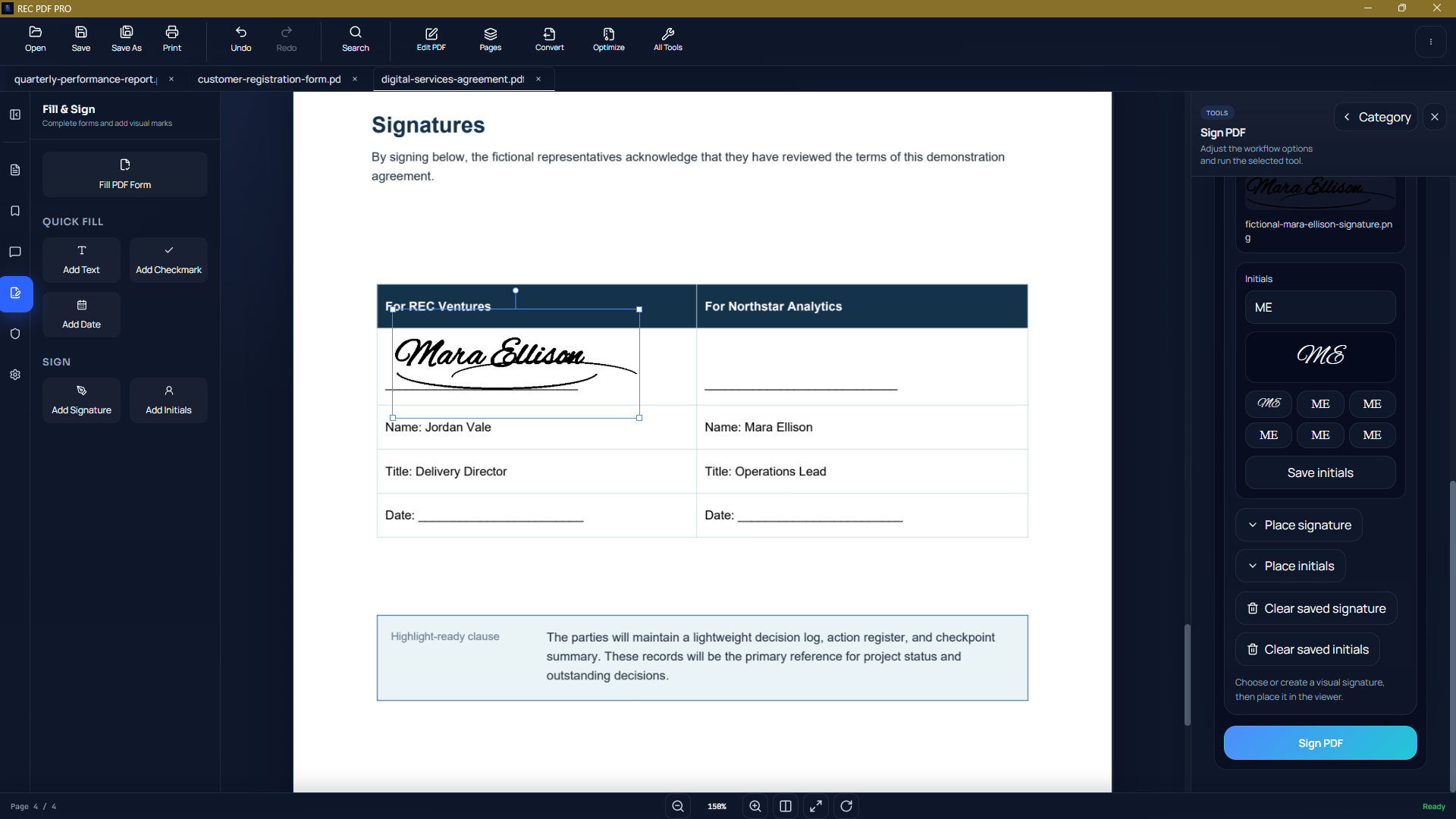
REC PDF PRO combines editing, form completion, signature placement, and text-watermark workflows in one desktop application.
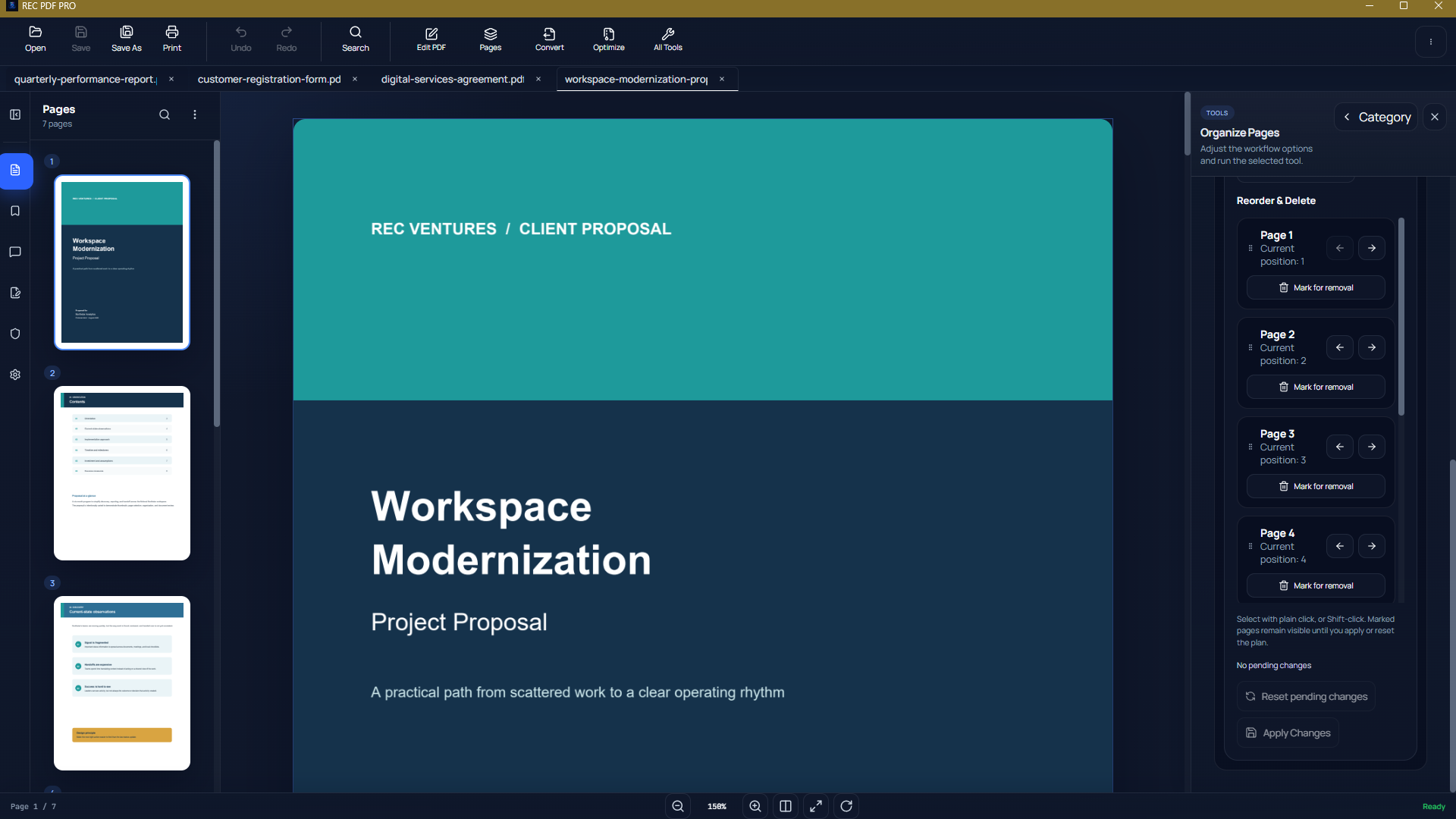
Page management
Bring pages and documents into the order you need. Merge files, split PDFs, extract selected pages, or refine a document page by page.
Convert & create
Convert PDF content to supported output formats, or create PDFs from Word documents and images.
Document workflow
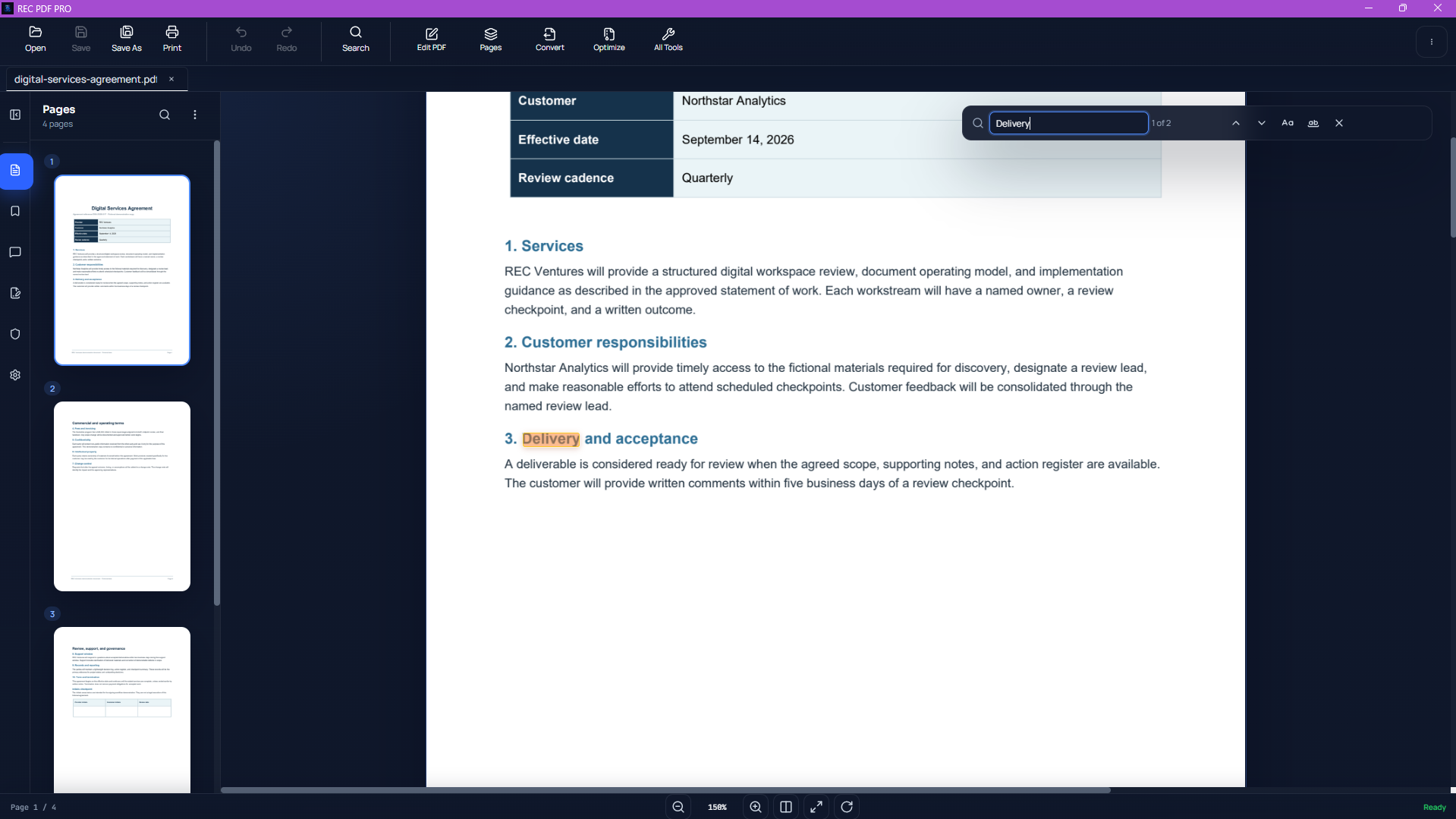
Text search requires searchable PDF text. OCR is not currently included.
Local document workflows
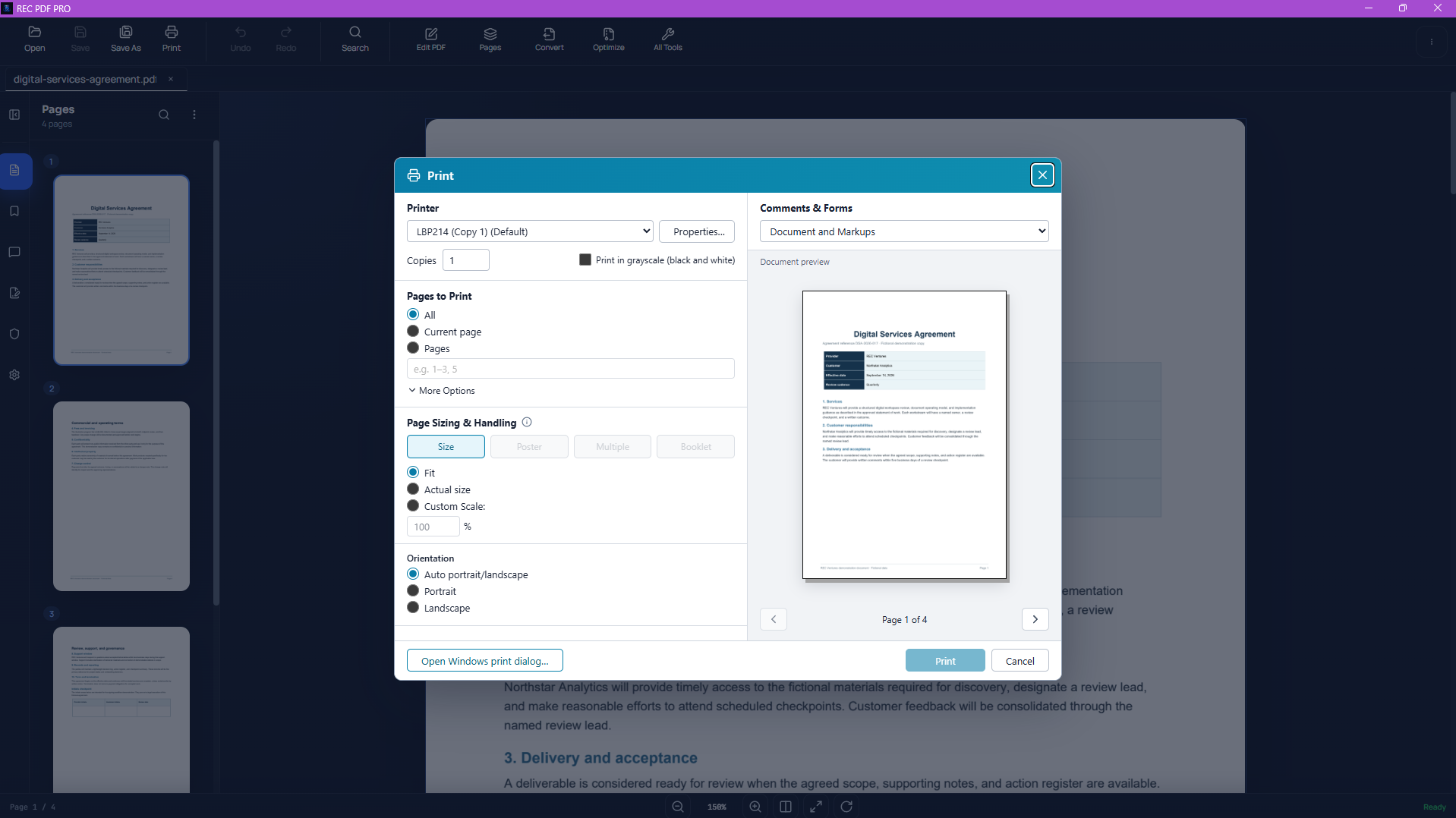
REC PDF PRO is built as desktop software for local document workflows, reducing the need to send routine PDF tasks through online conversion sites.
Practical guides
Step-by-step REC Ventures guides focus on practical tasks and the way the applications actually work.
Combine multiple PDFs in a chosen order with a local Windows workflow that does not require uploading the documents to an online merger.
Read GuideTurn one or more PDFs into DOCX files locally on Windows, with clear guidance on layout limits and scanned-document behavior.
Read GuideConvert text-based PDF tables and structured page content into an Excel workbook, with realistic guidance on table recognition and OCR limits.
Read GuideSeparate every page of a PDF into its own file and learn the difference between splitting a document and extracting selected pages.
Read GuideComplete supported PDF forms, place reusable visual signatures and initials, and understand form detection, scanned-document, and flattening limitations.
Read Guide